Have you ever looked up at a giant, glowing full Moon and tried to snap a picture with your phone, only to end up with a disappointing, blurry white dot?
To our eyes, the full Moon looks vast and full of intricate detail, yet standard smartphone cameras can struggle to capture it, blowing the lunar surface out into an overexposed glare.
This week, the Beaver Supermoon rises, offering the chance to capture an atmospheric shot of a big, bright full Moon.
But is your smartphone up to the task? Here we'll go through some tips and tricks to help you capture an image of the Beaver Supermoon 2026 with your smartphone.
More advice
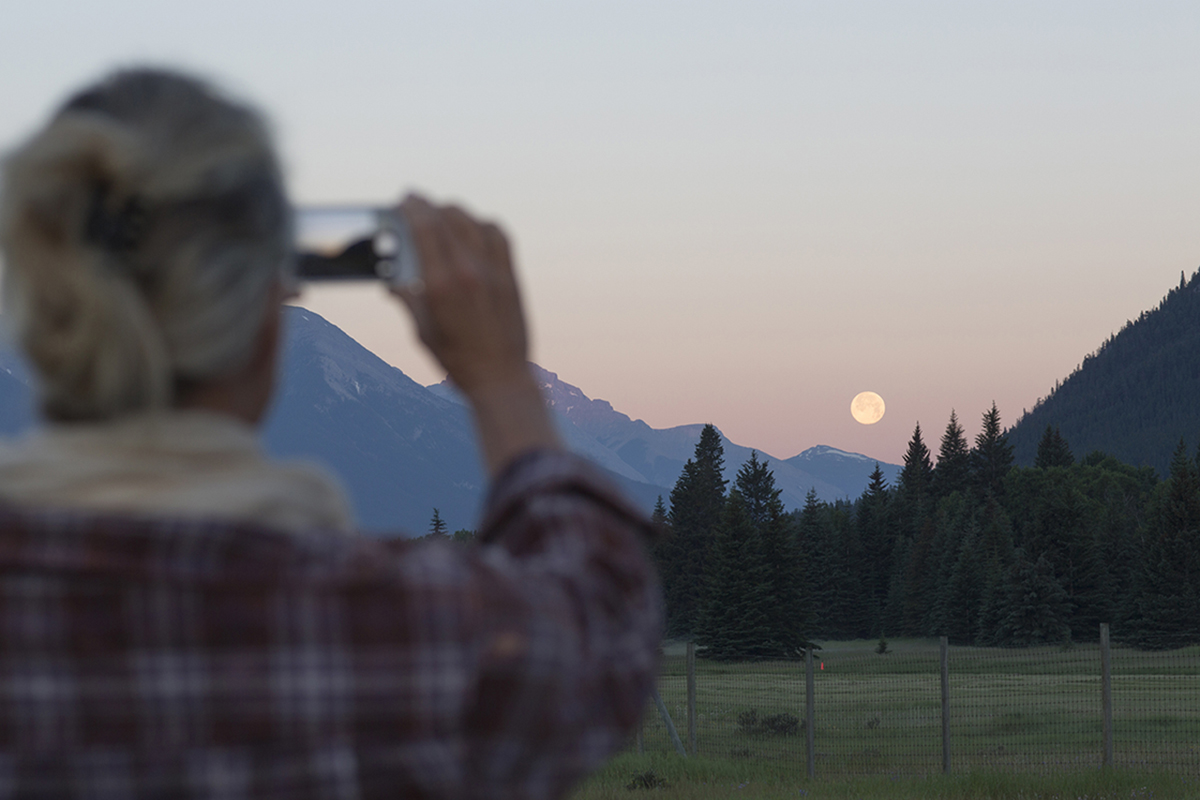
Why Beaver Supermoon?
The informal full Moon nickname 'Beaver Moon' is a reference to the time of year when beavers actively prepare for winter, but may also be a reference to the hunting of beavers around November, in centuries gone by.
A full Moon happens when Earth sits directly between the Sun and the Moon, sunlight illuminating the whole of the Earth-facing side of the Moon.
And because the Moon mirrors the Sun’s seasonal path, late-autumn full Moons climb high into the sky, much higher than summer full Moons do.
What's more, this November 2026 full Moon is occurring as the Moon is at its closest point to Earth in its orbit. That means it'll be slightly bigger and brighter than normal – hence the name 'supermoon'.
Photograph the Beaver Supermoon rise
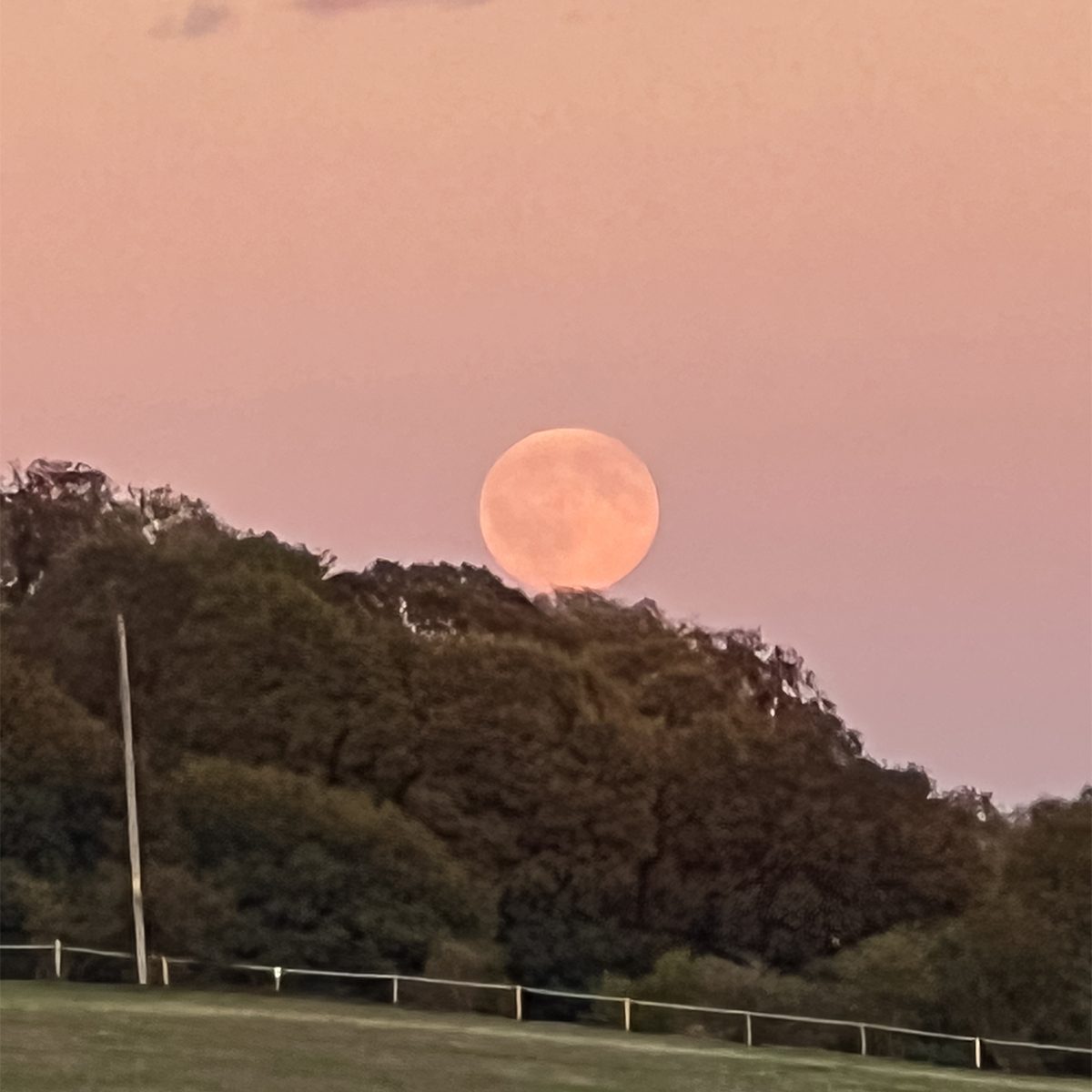
Right as the Beaver Supermoon rises above the east-to-northeast horizon around dusk, it will be sitting low in the sky, giving smartphone photographers some advantages.
When the Moon is low, moonlight travels through a much thicker slice of Earth's atmosphere. This filters out shorter blue wavelengths of light, giving the supermoon a deep orange glow.
And because the Sun has only just dipped below the horizon, the surrounding sky retains a reddish hue.
This warm light helps your phone balance the exposure much better than in the case of a bright, white Moon high in the sky set against an inky-black November night.
Plus, the low-lying full Moon is better-placed for framing against foreground objects like trees or city skylines.
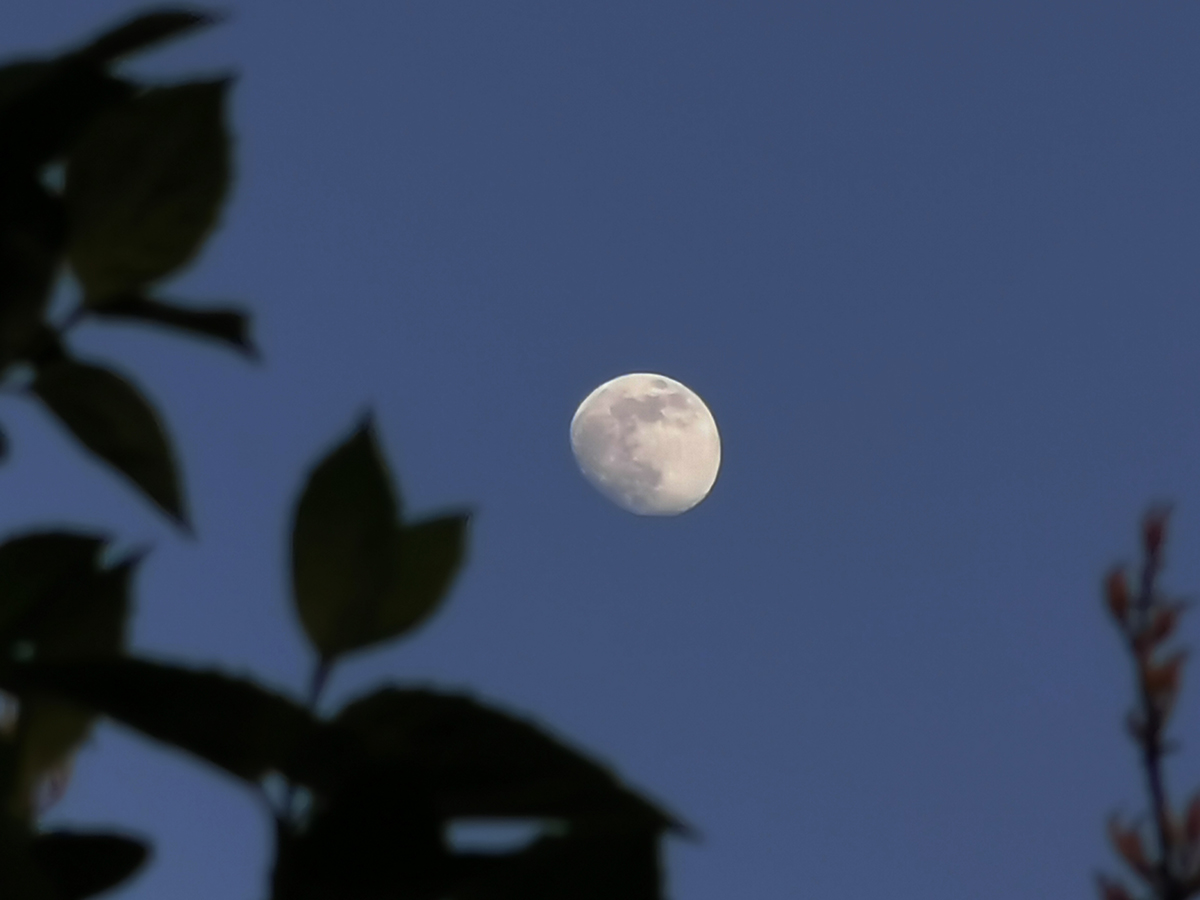
Tips for capturing the Beaver Supermoon with your smartphone
Plan your location and timing
Timing is everything. Aim to be in position with a clear horizon just as the Beaver Supermoon begins rising, right around sunset.
Check our Beaver Supermoon 2026 rise times or use an astronomy app to help you plan.
Find a vantage point with an unobstructed view toward the east-northeast. Using a stargazing app will let you pinpoint the exact spot on the horizon where the Moon will appear.
To get the best results, bypass your smartphone camera's automatic settings and switch over to manual controls – this may be called 'Pro Mode' or something similar – so you can fine-tune the shot yourself.
Keep your phone steady
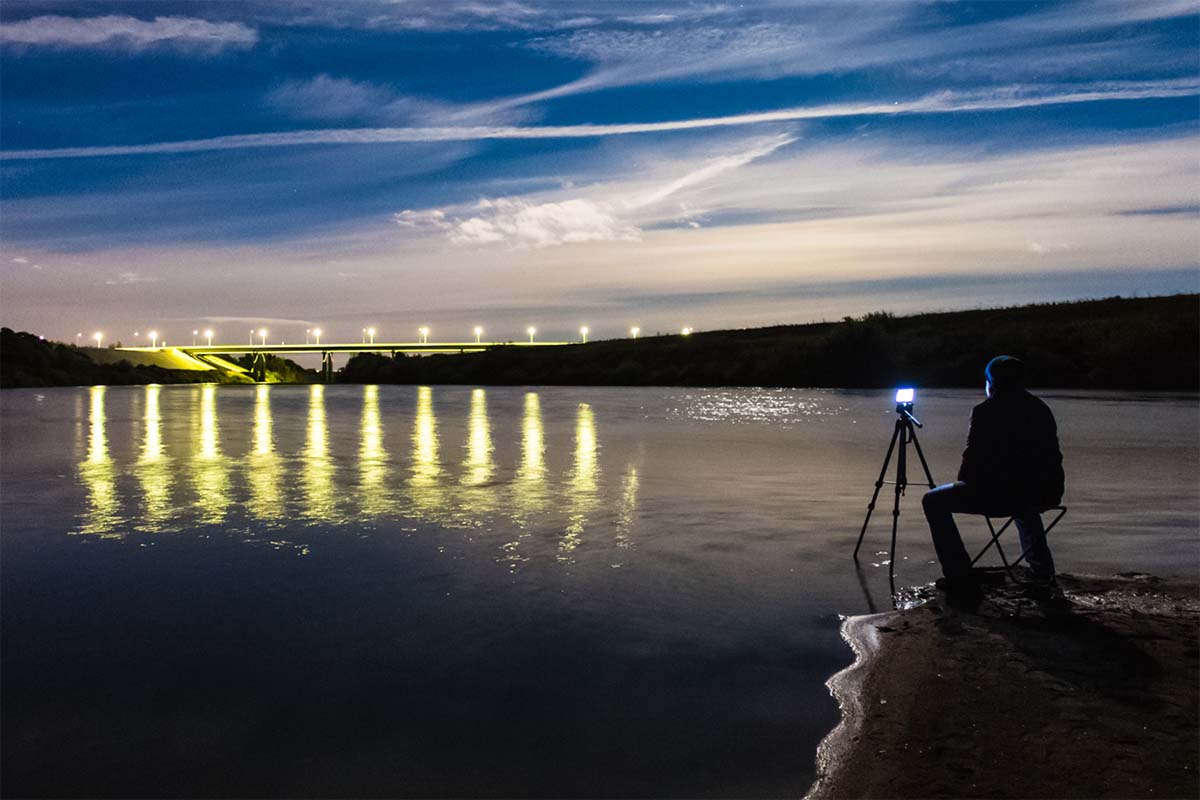
Any slight movement in your hands will ruin your shot, so keeping your device still is essential.
A smartphone tripod is best for this, but if you don't have one, lean your phone against something like a wall, a fence post or a sturdy bag.
Once framed, avoid tapping the screen to take the picture, as even a gentle tap causes camera shake.
Instead, try using the volume buttons on a pair of wired headphones, as these often act like a 'capture' button when the phone is in camera mode. Or if you have a Bluetooth remote shutter release, use that.
If you don't have either, set your camera’s self-timer to 2 or 3 seconds so any vibrations settle before the shot is captured.
Lock and lower your brightness
If you let your phone capture the Moon using its own settings, the bright supermoon will turn out as a featureless white blob.
Using your phone's manual camera mode, lock your focus. Tap directly on the Moon on your screen and hold your finger down for two seconds until you see the AE/AF Lock indicator appear.
Once locked, slide the small 'Sun' symbol or brightness icon downwards.
Underexpose the shot until the sky turns a deep twilight blue and the Moon shifts from glaring white to a warm gold. Play about with the slider to get the right look.
Set your ISO low (around 50 or 100) and use a slightly faster shutter speed to try and capture details on the Moon's surface.
Don't zoom in too far. Try 3x or 5x, otherwise you may end up with a fuzzy, pixelated image.
You may be better capturing your image on a lower zoom then cropping and zooming later using an editing app like Photoshop or GIMP.
Above all, have fun and enjoy the moment of calm as you witness a beautiful full Moon in the evening sky!
If you manage to snap the Beaver Supermoon with your smartphone this week, be sure to send us your photos by emailing contactus@skyatnightmagazine.com