
Have you ever been caught by the majesty of a full Moon and attempted to photograph it with your smartphone?
If you've ever tried this, chances are you've been a bit disappointed with what you've been able to capture.
With your naked eye, the Moon looked like a large, beautiful object in the night sky. But your phone's camera captured a bright white, over-exposed blob.
More tips

This week, the Buck Moon rises and it could be one of your best chances to capture a decent image of a full Moon with your smartphone all year.
That's because it will rise at the height of summer, when the post-sunset evening sky is still bright – and it's also one of the lowest full Moons of the year.
These two points could help you finally capture the full Moon smartphone image you've been waiting for.
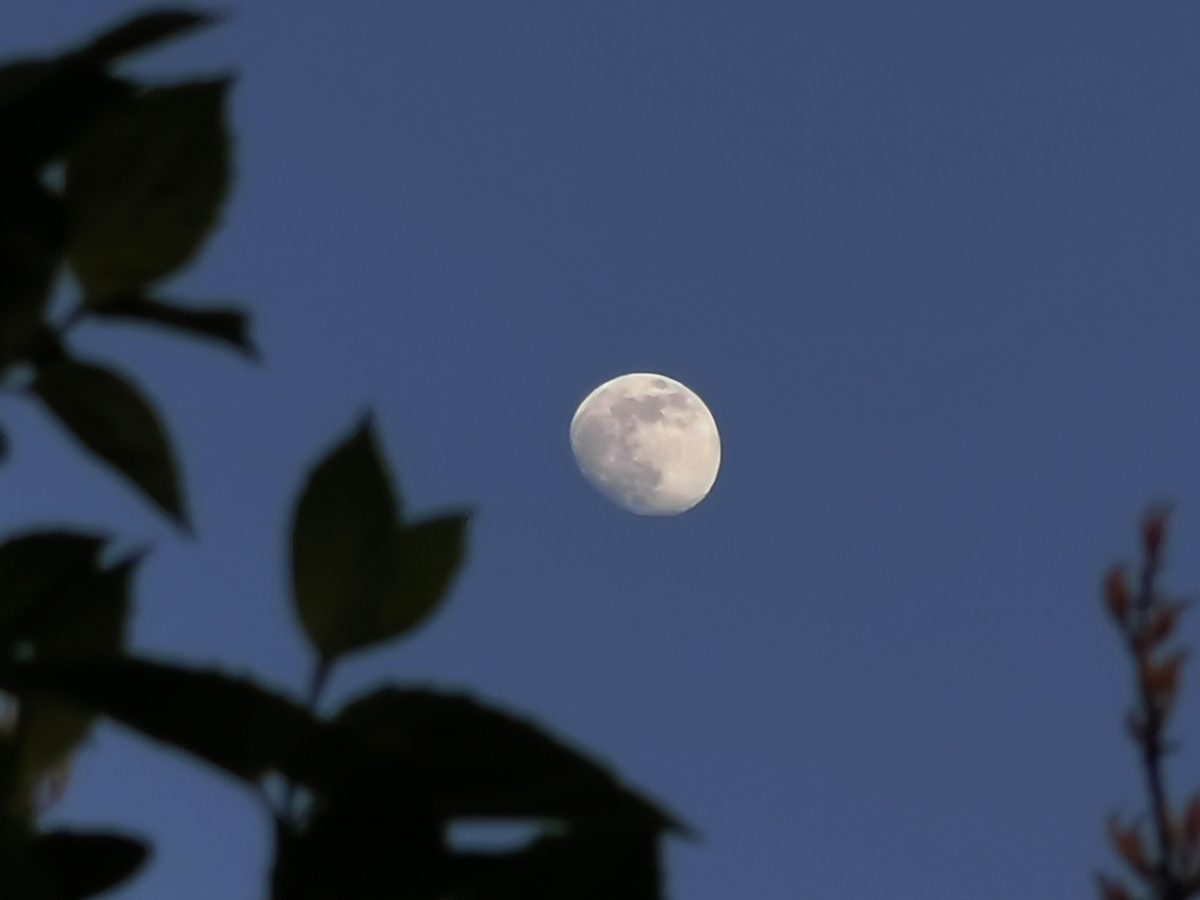
Why the Buck Moon is low-hanging fruit
'Buck Moon' is the nickname given to the full Moon in July, because July is the month when male deer – known as 'bucks' – grow their antlers.
A full Moon occurs when the Moon is opposite the Sun in the sky, which is why the whole of the Earth-facing side of the Moon is illuminated.
As a result, the full Moon mirrors what the Sun is doing in the sky, from our perspective on Earth.
And in the summer, the Sun is high in the sky, which means the full Moon remains low in the sky.
Likewise, in the winter, full Moons are high in the sky while the Sun remains low in the sky.
The Buck Moon rises in the southeast just after sunset, then tracks low along the southern portion of the sky before setting in the southwest.
And it's this low altitude that could give you a great chance to photograph the full Moon with your smartphone.
That's because a low-lying Moon takes on a beautiful orange colour, caused by light from the Moon passing through a thicker part of Earth's atmosphere.
As well as this, the evening sky will be relatively bright, giving you the chance to capture a colourful full Moon low on the horizon at dusk.
Here are our top tips for capturing a moonshot.

Capture the Buck Moon with your smartphone camera
Often the Moon is a bright white disc high in the sky. This week it will be low, golden and framed by interesting foreground objects like trees, buildings and hills.
To get the shot, the best method is to bypass your phone's camera’s default settings. Put the settings into manual mode and you'll be able to tweak them to capture your shot.
Get yourself a clear southeastern horizon so you can catch the Buck Moon as low-down as possible and as early as possible before it gets dark.
You could even scope out your ideal location the evening before – or during the day – using planetarium software to help you work out exactly where the full Moon will rise.

When the Moon is high, the contrast between the dark sky and the bright lunar surface is too intense for a smartphone sensor to handle.
This week, head out as the Buck Moon is rising above the horizon – which should be around sunset. You should aim for a window of about 30 minutes to an hour after the start of moonrise.
During this time, the sky will still have a deep blue twilight hue and the landscape will be bright enough to capture without your phone forcing a grainy 'night mode' exposure.
Keep your phone steady
You'll need to keep your phone steady while capturing the Buck Moon, especially if you increase the exposure.
You can keep it steading by leaning it against something like a backpack or large book, or prop it up against a wall. Or you could use a smartphone tripod for more flexibility.
Once your phone is in place, you need to capture the image without shaking the phone as you tap your phone's screen.
One way to do it is to use a pair of headphones plugged into your phone, as often the volume buttons can be used to capture images when your phone is in camera mode.
Or, put a timer on your camera for 2 seconds. Hit the 'capture' button and, by the time the 2 seconds passes, any shakes will have subsided and your phone should be nice and steady.

Lock, lower your brightness and zoom
Once you have the Moon in your frame, don't tap the shutter button without first tweaking your view.
This will give you a good chance to make some adjustments and get the best shot.
If your phone has a dedicated zoom, keep it to within 5x optical zoom. Much more than that and your Moon will be pixilated.
It's better to aim for a realistic-looking full Moon framed within a beautiful natural setting, than capture a zoomed-in blurry blob.
Lock your focus on the full Moon by tapping the Moon on your screen and holding your finger down for two seconds.
This should lock the camera on to your target and stop it trying too focus on any other foreground objects.

Once your focus is locked, you should be able to see a small yellow 'Sun' symbol. Use this to adjust the brightness of the image.
A good tip is to slide it down the whole way, so that the onscreen view is far too dark, then slowly increase brightness to get the level you want.
I like to do this until the sky looks dim and the Moon looks gold, not white. You may be able to capture some of the Moon's features, too.
You can even go into your phone's 'manual' or 'pro' mode, if you need to, as this enables you to change settings like ISO, exposure and white balance to get the right setting.
Don't be tempted to use your flash. Turn it off – it won't help you.
And try shooting in a 4:3 screen ratio – this should suit your smartphone lunar capture better.
If you do manage to photograph the Buck Moon with your smartphone, send us your shots!

