
Have you ever been captivated by the majesty of a full Moon and tried to capture it with your smartphone, only to be left disappointed?
To the naked eye, the Moon appears as a large, breathtaking feature in the night sky, but a standard smartphone camera often turns it into a bright white, over-exposed blob.
This weekend the Hunter's Moon rises, offering a great opportunity to capture a crisp, detailed photograph of a full Moon using just your phone.
More tips
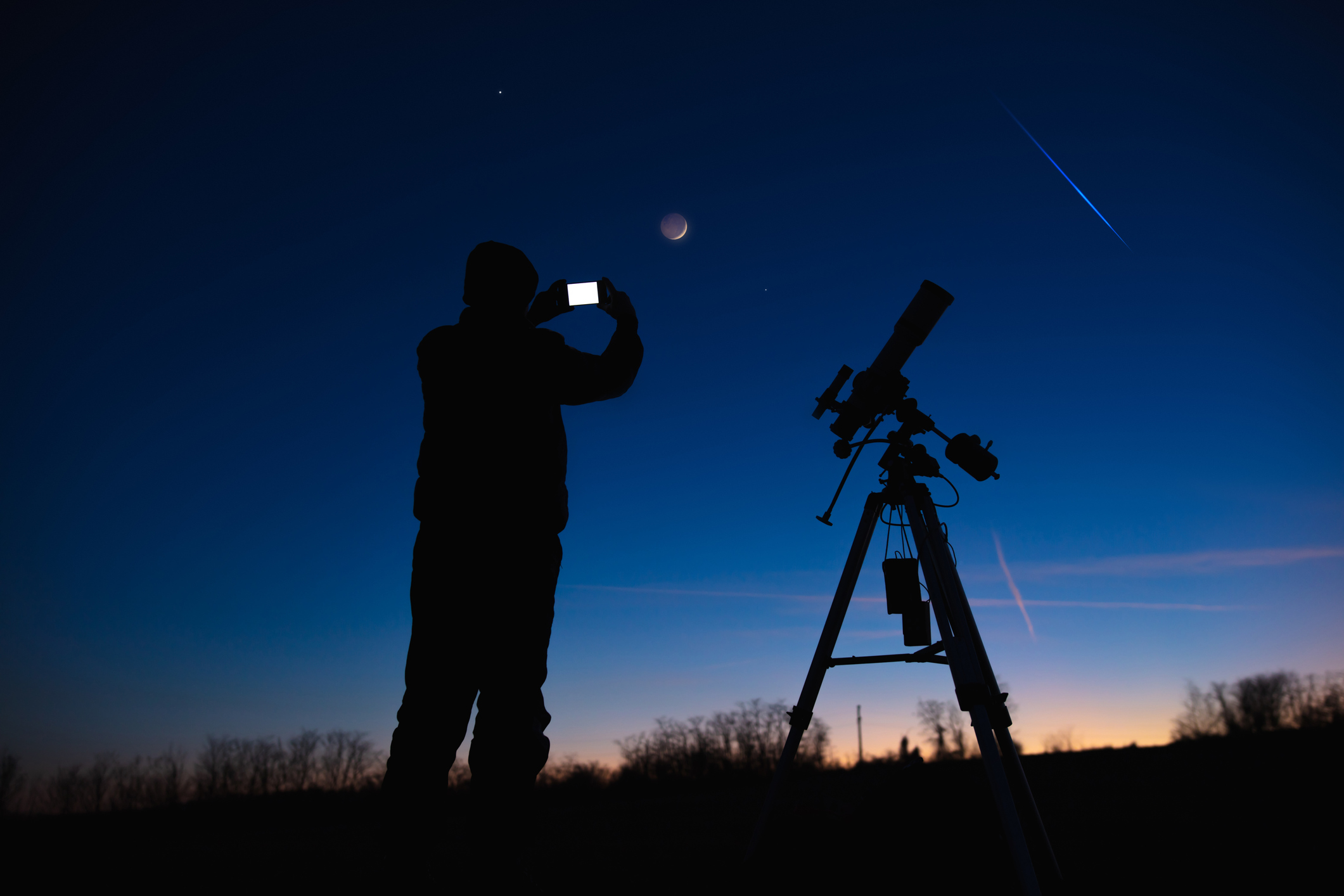
Unlike mid-summer full Moons, autumn full Moons near the equinox have a unique astronomical quirk.
They rise shortly after sunset for several consecutive evenings with very little delay between moonrises.
This creates extended twilight conditions and low-angle alignments that can finally help you get the lunar shot you've been waiting for.
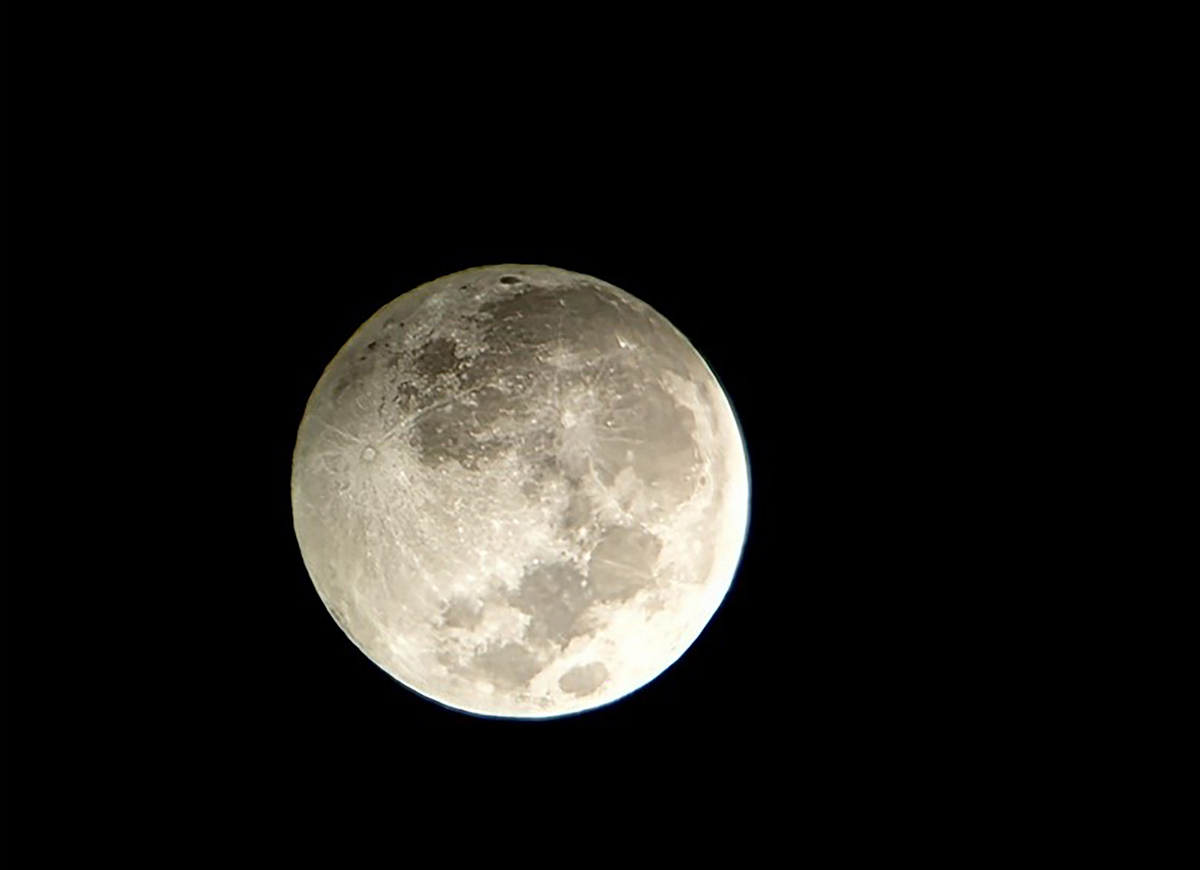
Why the Hunter's Moon is Ideal for smartphone photography
The nickname 'Hunter's Moon' refers to the full Moon in October, valued by hunters historically because the bright moonlight allowed them to continue gathering food even after sunset.
A full Moon occurs when the Moon is positioned directly opposite the Sun, fully illuminating the Earth-facing side.
The full Moon mirrors the Sun's path and, because the Sun sits lower in the sky during autumn,the autumn full Moons climb higher than summer full Moons.
When the Hunter's Moon rises in the east-southeast just around dusk, it will be sitting low on the horizon. This low altitude provides two photographic advantages.
- Rich red hue: Light from the low-down Moon must pass through a thicker layer of Earth's atmosphere, scattering shorter blue wavelengths and giving the full Moon an amber colour
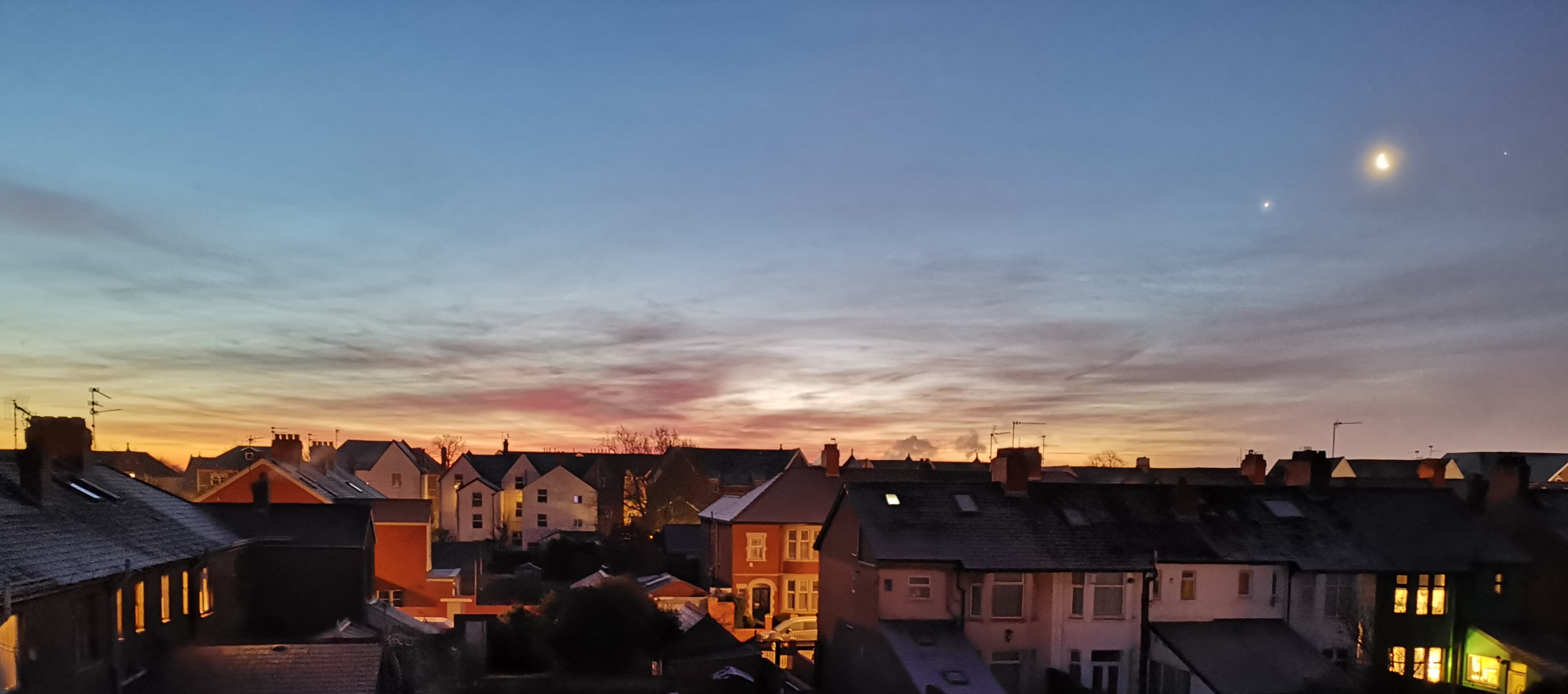
- Twilight: Because the Sun has just set, the surrounding evening sky still holds a deep blue twilight glow, giving you the chance to frame the golden Moon against interesting terrestrial silhouettes like trees, hills, or city skylines
Here are our top tips for capturing the Hunter's Moon with your smartphone.
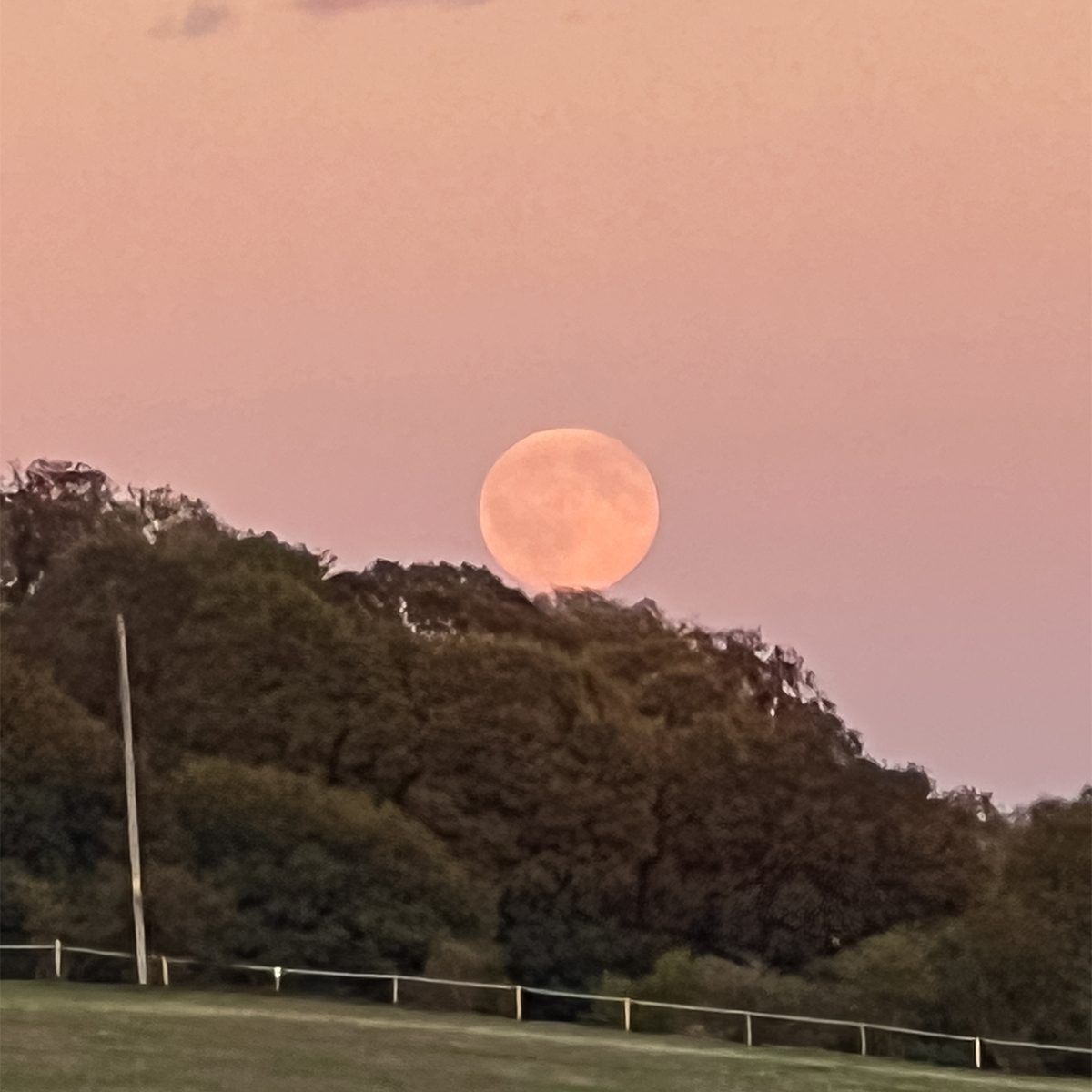
Plan your location and timing
Head out just as the Hunter's Moon is clearing the horizon, which is right around sunset or within a 30-to-60-minute window afterwards.
Get a clear eastern-to-southeastern horizon and scout your location ahead of time using a stargazing app to see exactly where it will appear.
Framing the Moon next to foreground objects like buildings or trees gives a sense of scale and prevents it from looking like a tiny white dot.
To get the shot, the best method is to bypass your phone camera’s default settings. Instead, activate your phone camera's manual mode so you can tweak the settings.
Keep your phone steady
You'll need to keep your phone steady while capturing the Hunter's Moon.
Prop your phone against a solid object like a backpack, book or wall, or mount it on a small smartphone tripod.
Avoid touching the screen to snap the photo, as this introduces vibrations.
A lot of phones allow the use of volume buttons on wired headphones to act as camera shutter buttons, meaning you can click 'capture' without touching the phone itself.
Alternatively, a 2-second timer will give shakes time to subside before the photo is taken.
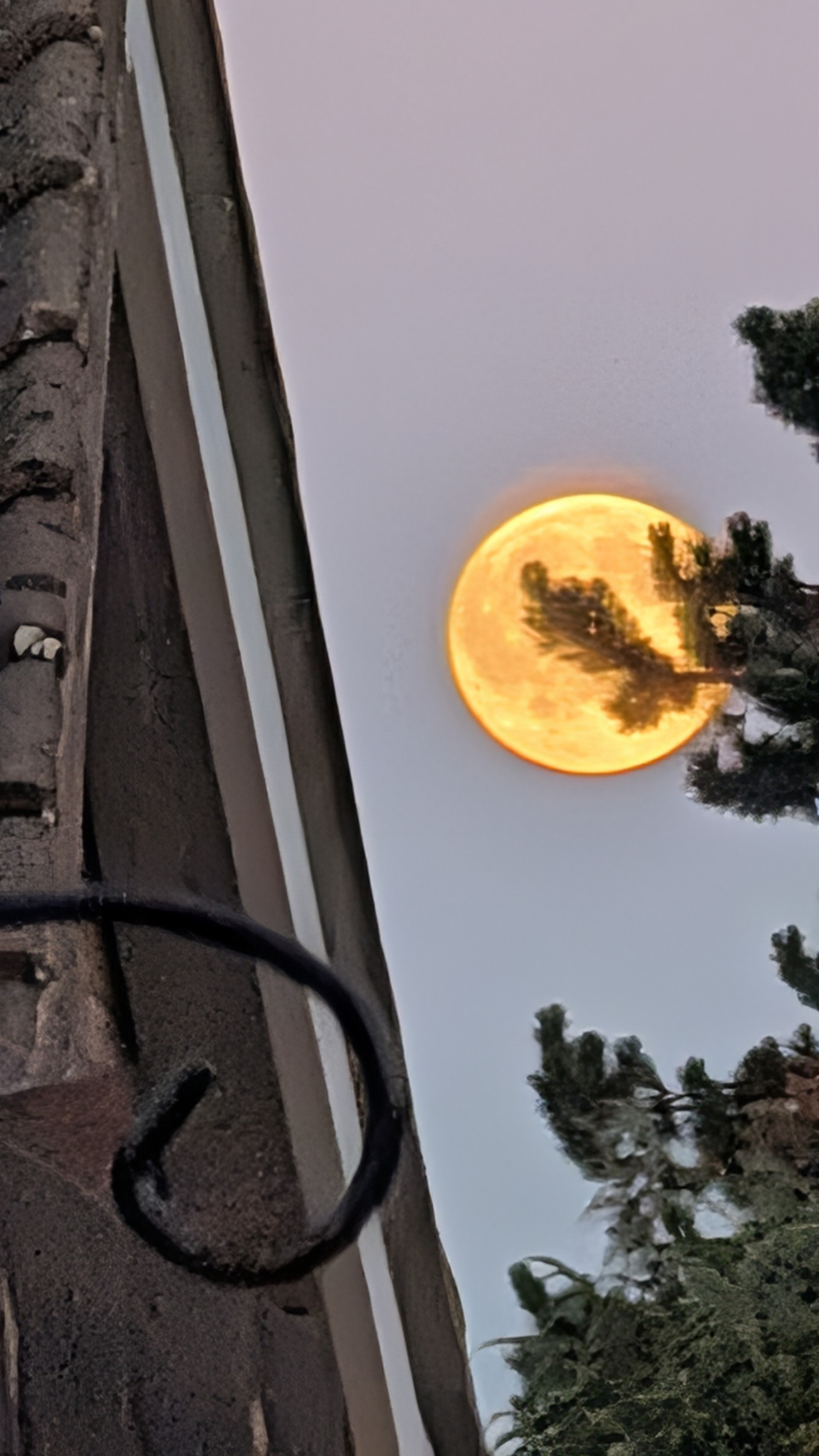
Lock, lower your brightness and zoom
Don't just point and tap the default shutter button, or the bright lunar surface will blow out into a white glare.
- Lock focus: Tap the Moon on your camera screen and hold for two seconds to lock focus and exposure onto your target.
- Lower exposure: Next to the focus box, look for the small Sun/brightness icon and slide it down. Make the image intentionally dark at first, then slowly bring it up until the sky looks like deep twilight and the Moon appears a rich gold rather than blinding white. This is often the secret to revealing lunar maria (dark volcanic plains) on your smartphone screen.
- Use pro/manual mode: If your phone has a Pro mode, you can manually lower your ISO (e.g. ISO 50 or 100) and shorten shutter speed slightly to sharpen the image.
- Watch the zoom: Stick to your phone's optical zoom limit (usually within 3x to 5x). Pushing past digital zoom limits will immediately turn your Moon into a pixelated, blurry blob. It may be better to capture an image and then use image-editing software like Photoshop or GIMP (free) to zoom in afterwards
- Turn off the flash: Never use your flash – it only illuminates what's right in front of your lens and will do nothing to light up an object as distant as the Moon. Try shooting in a standard 4:3 aspect ratio.
If you photograph the Hunter's Moon with your smartphone, send us your shots!

