The smart scope revolution continues apace, bringing astrophotography to the masses without demanding any deep understanding of image capture or processing techniques.
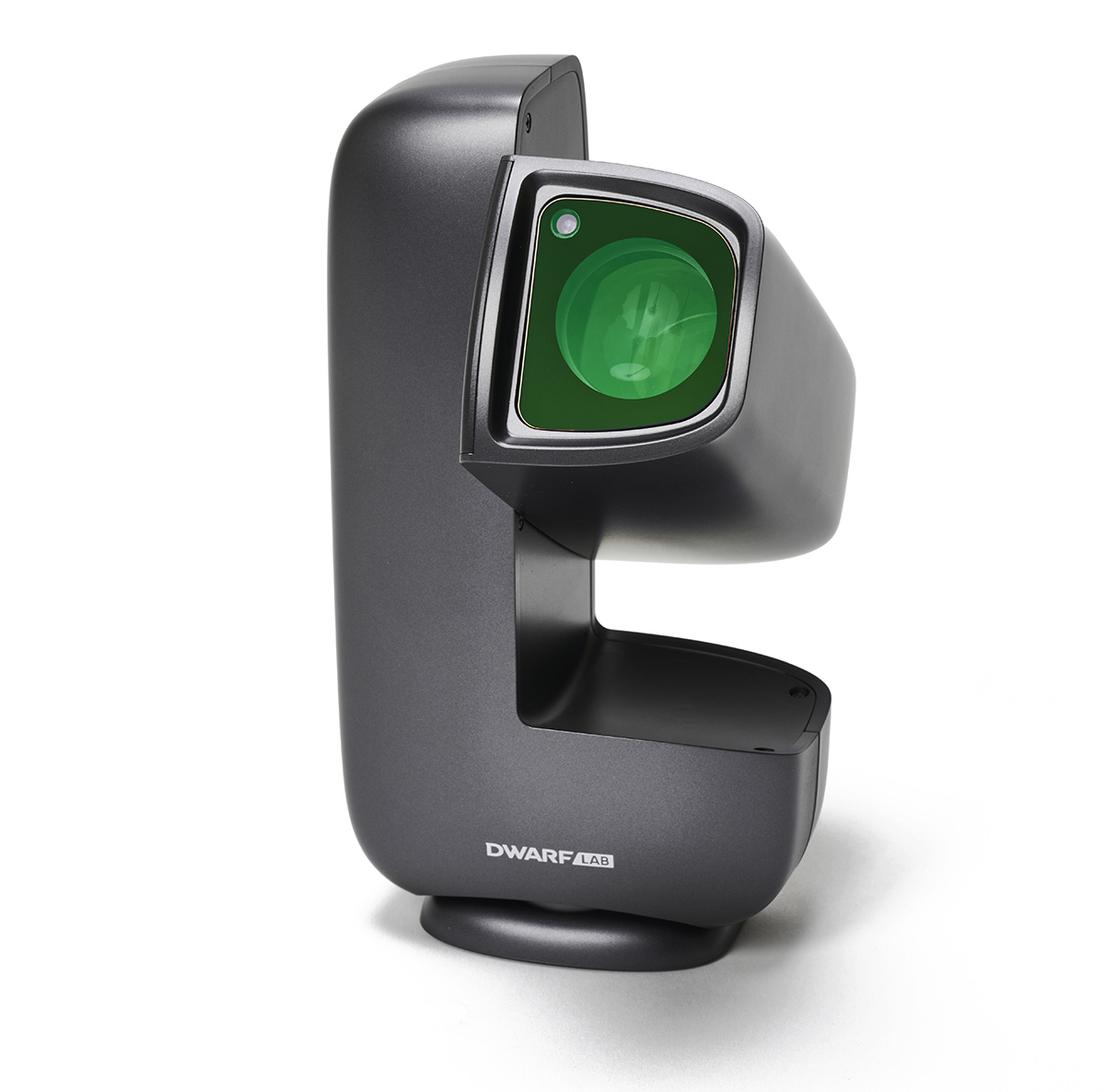
DwarfLab’s Dwarf Mini is the latest product at this exciting frontier: a lunchbox-sized smart telescope that still delivers impressive results.
The Mini nicely complements its bigger sibling, the Dwarf 3, but while the Dwarf 3 is designed as a broad all-rounder, handling anything from daytime subjects to astrophotography, the Dwarf Mini is aimed squarely at the budding astrophotographer and is lighter, incredibly compact and, in our opinion, much easier to use.
SQUIRREL_13994446
What it can do
At the Mini’s heart is the telephoto lens coupled with a Sony IMX662 sensor, built-in filters for producing dark frames, an ‘astro’ filter suitable for galaxies and star clusters, and a dual-band filter that allows nebulae to stand out.
This dual-band filter is designed to allow hydrogen-alpha (656.3nm), hydrogen-beta (486nm) and oxygen-III (500.7nm) light through to the sensor, making it ideal for reducing moonlight and city glow – a real boon if you live with challenging light-polluted skies.
Unboxing and setting up
We were set up in just a few minutes and, although the Mini can be used in altaz mode on a flat surface, for the best results we mounted it on a photography tripod, adjusting the tripod head to align with the polar axis.
We were particularly impressed by the simplicity of the Mini’s EQ mode, which is set up via the app.
The app also allows you to refine your polar alignment before you undertake an imaging session.
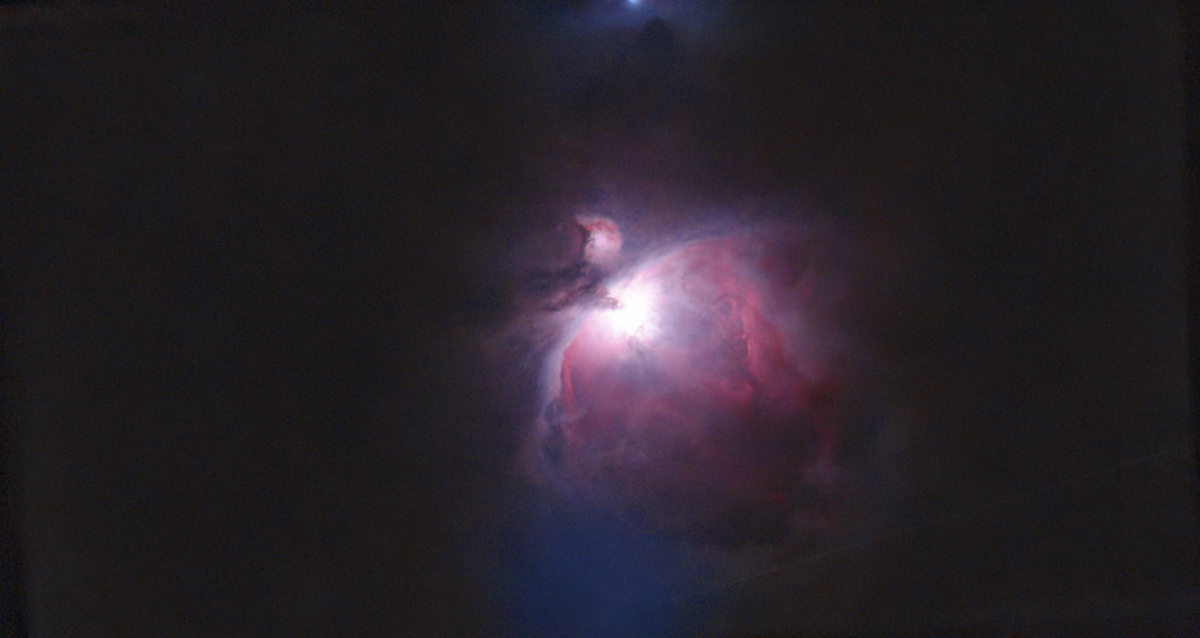
Our targets included the Orion Nebula, the Horsehead region, galaxies such as the Leo Triplet and Messier 81 and 82, and star clusters such as the Pleiades and the Beehive Cluster.
We covered a range of exposure settings from 15 seconds to 60 seconds, and gain settings from 40 to 90. Gain is like ISO for cameras, with lower values producing less noise than higher values, but we still got good results with the higher settings in our tests.
Milky Way and star trails
We mustn’t forget the widefield lens, which serves several useful purposes, one of which is providing a wide contextual view within which a central targeting rectangle shows the telephoto lens’s field of view.
This is particularly useful when in Solar System mode for the Moon and the Sun in daytime.
For solar observing/imaging, it’s crucial to remember to install the supplied solar filter first, or the sensor will be damaged.
The widefield lens cannot be focused, unlike the telephoto lens, but it allows you to capture constellations, the Milky Way and (a new feature) star trails, adding to the fun of astrophotography.
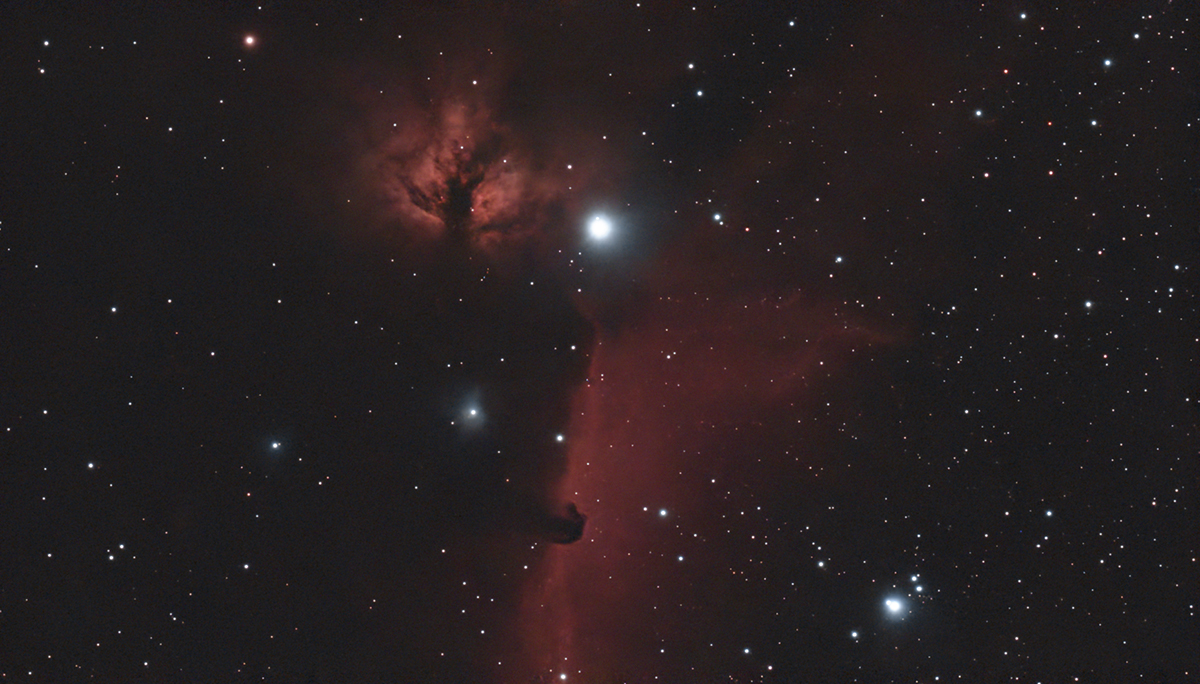
Another enjoyable aspect is that as you shoot your images, they’re live-stacked with the inbuilt software, and the final stack is displayed at the end of your capture session.
Then it’s over to DwarfLab’s cloud processing, accessed via several additional tabs in the app’s image folder.
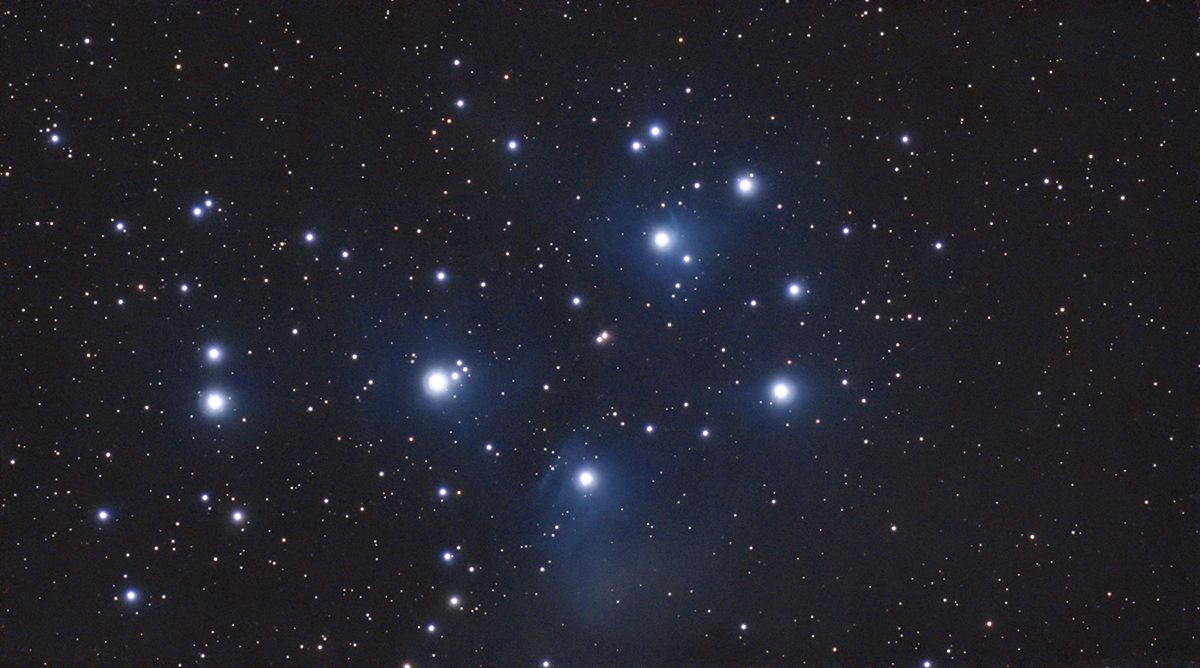
One is Stellar Studio, which allows you to upload your image to the cloud, where further manual or automated processing can be performed.
After which the results are downloaded to your app, where they’re also saved to your smartphone/tablet.
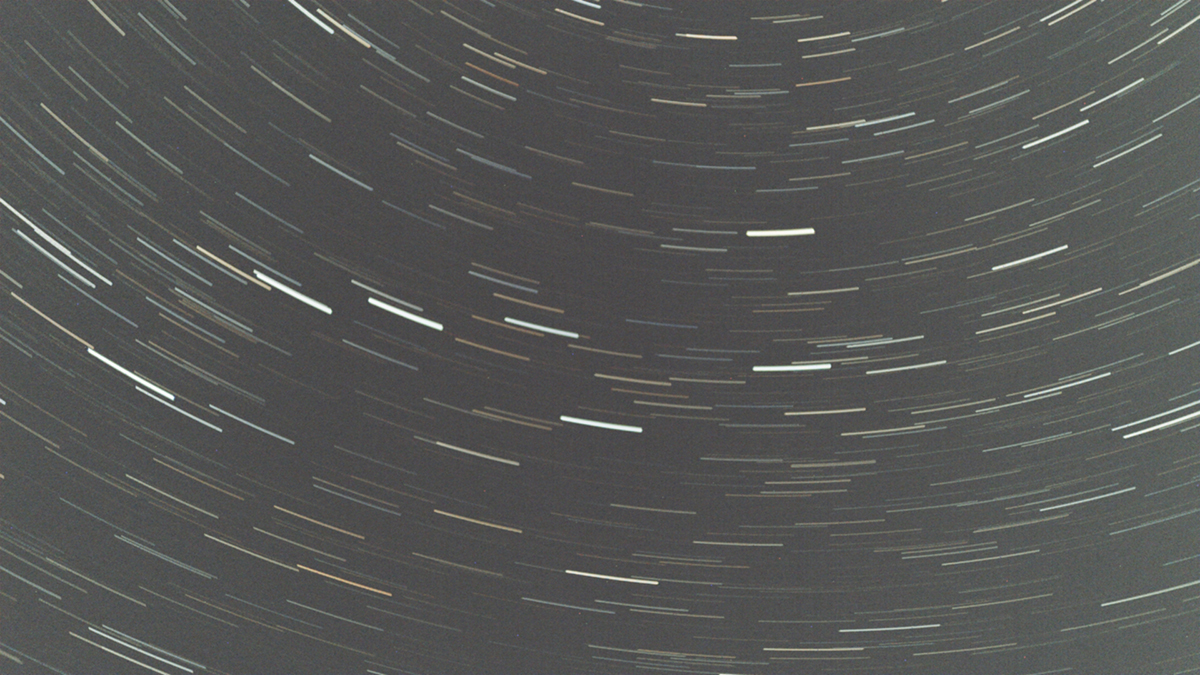
The other is the option to ‘mega stack’. This allows you to stack multiple sets of data taken over different sessions and combine them into a single, high-signal image.
A nifty feature is the ability to adjust the field of imaging while in the Mini’s Sky Atlas in increments up to 1.8 times, so you can make mosaics of larger targets.
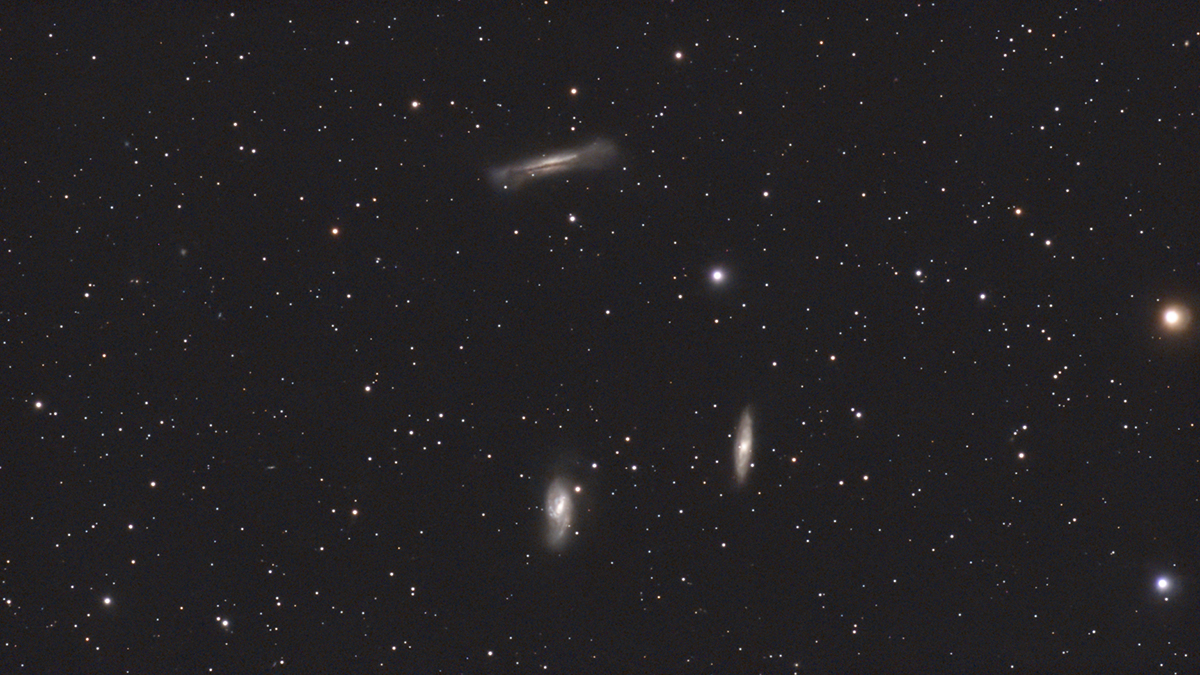
We did this for the Sword of Orion and the Beehive Cluster, processing the results via Stellar Studio to great effect.
In our whistlestop tour of the Dwarf Mini’s many features, one thing was clear: it makes astrophotography fun and its incredibly compact size allows you to take it on holiday in your hand luggage!
The Mini’s ease of use makes it a winner, whether for complete beginners or experienced astrophotographers looking for a travel-friendly and stress-free setup.
The Dwarf Lab app
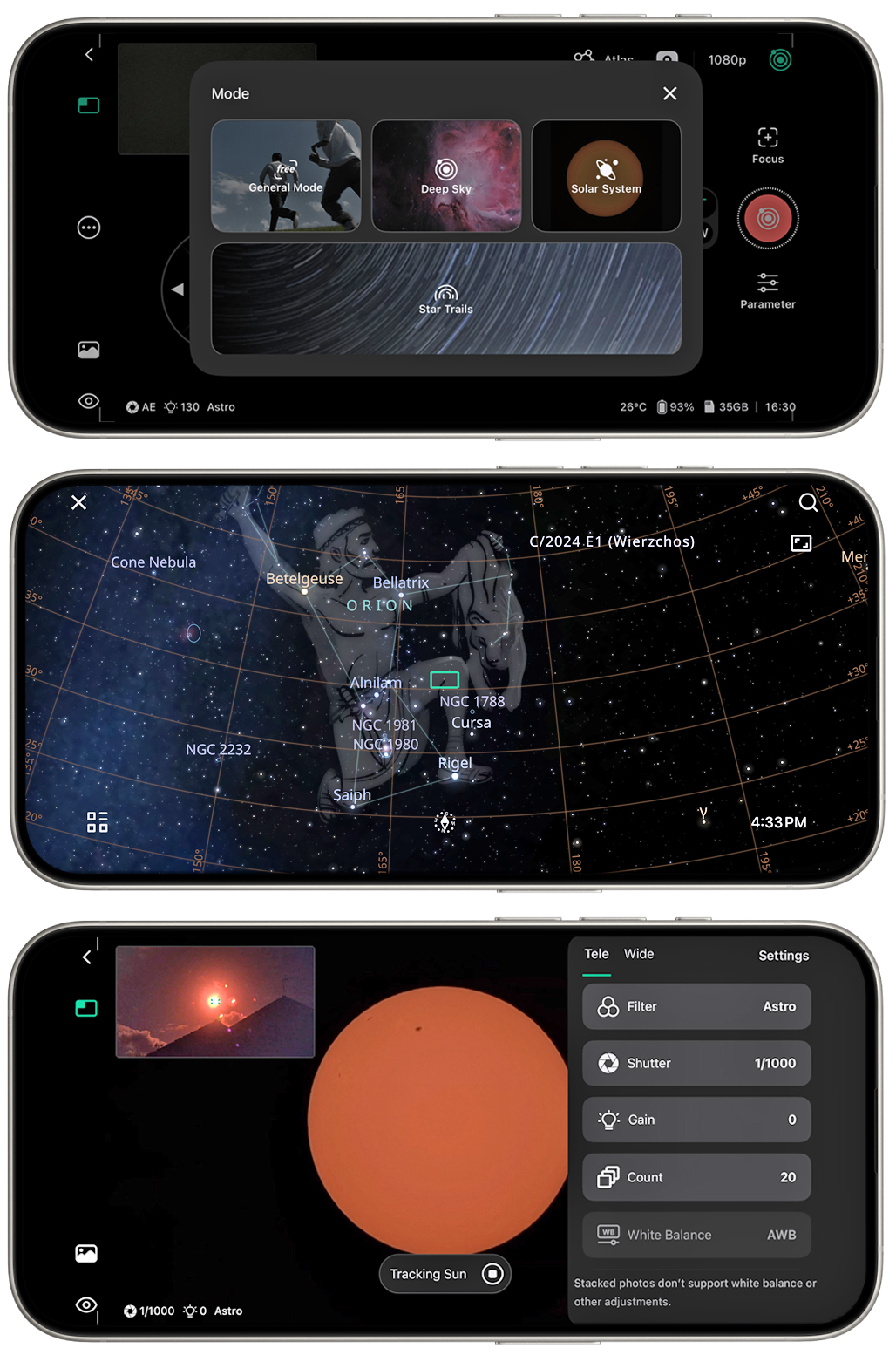
The Dwarf Mini is operated via a smartphone/tablet and the DwarfLab app (Android and iOS).
The smartscope produces its own Wi-Fi network and, once you’re connected, the app lets you choose which mode to image in.
This includes general daylight imaging, the Solar System, deep sky and star trails.
You can select your target from the inbuilt extensive Sky Atlas or from the innovative SkyFinder, where you point the Mini at the sky and it identifies targets of interest, live on screen.
You can set a wide range of parameters, including exposure length (1/1000s to 90 seconds) and number, filter type (astro or dual-band), gain and file type.
There’s also a useful auto option, where the app chooses the best settings for any given target.
Additional functionality lies with the cloud processing tabs, giving access to Mega Stack and Stellar Studio.
You can even schedule a session for unattended imaging, as long as you have clear skies!
Best features
Accessories
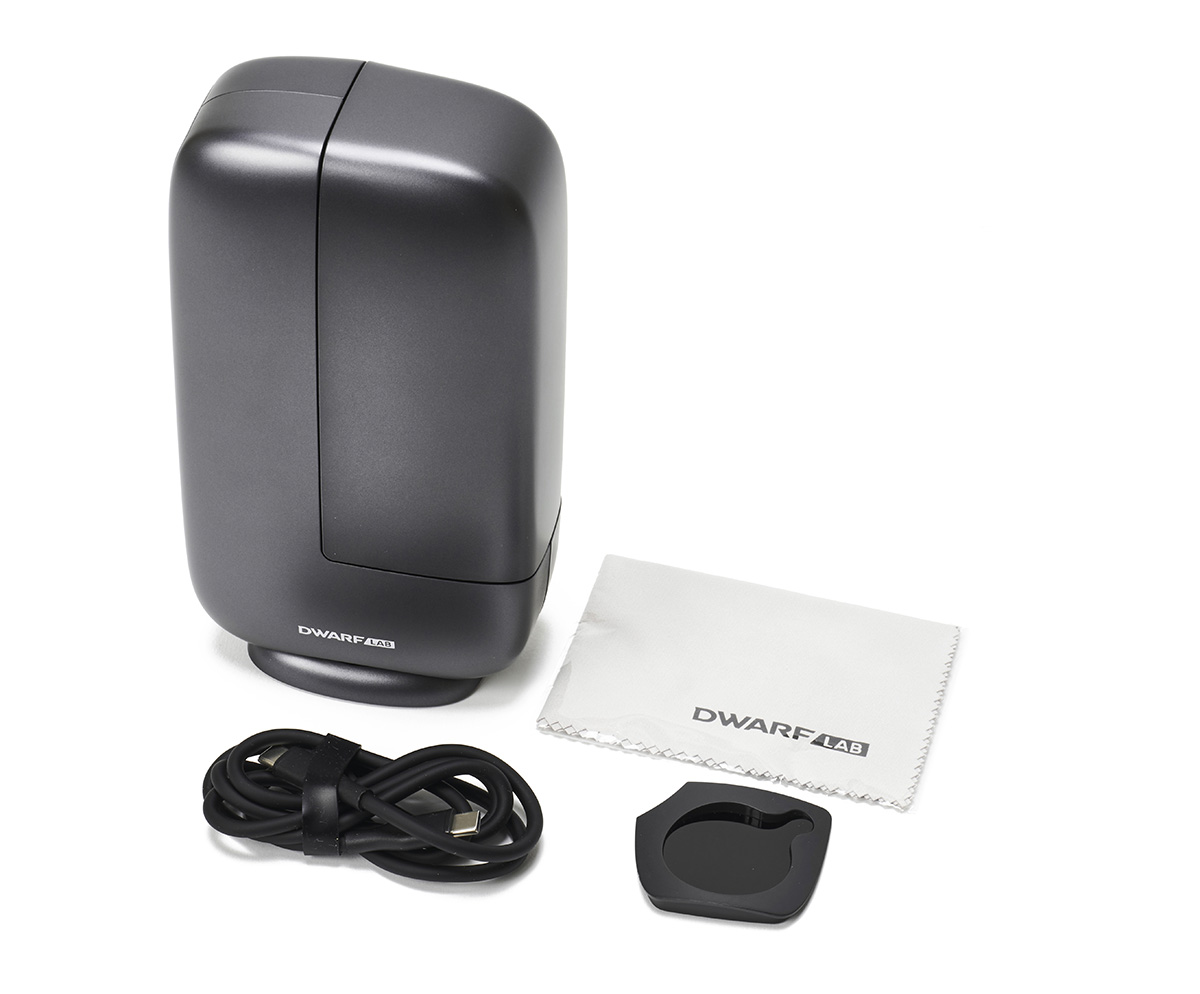
The Dwarf Mini comes with a USB-C cable for connecting to an external power source or a computer. Also supplied are basic instructions, a cleaning cloth and, importantly, a neutral-density solar filter that magnetically slots into place for safe solar imaging. No case is included.
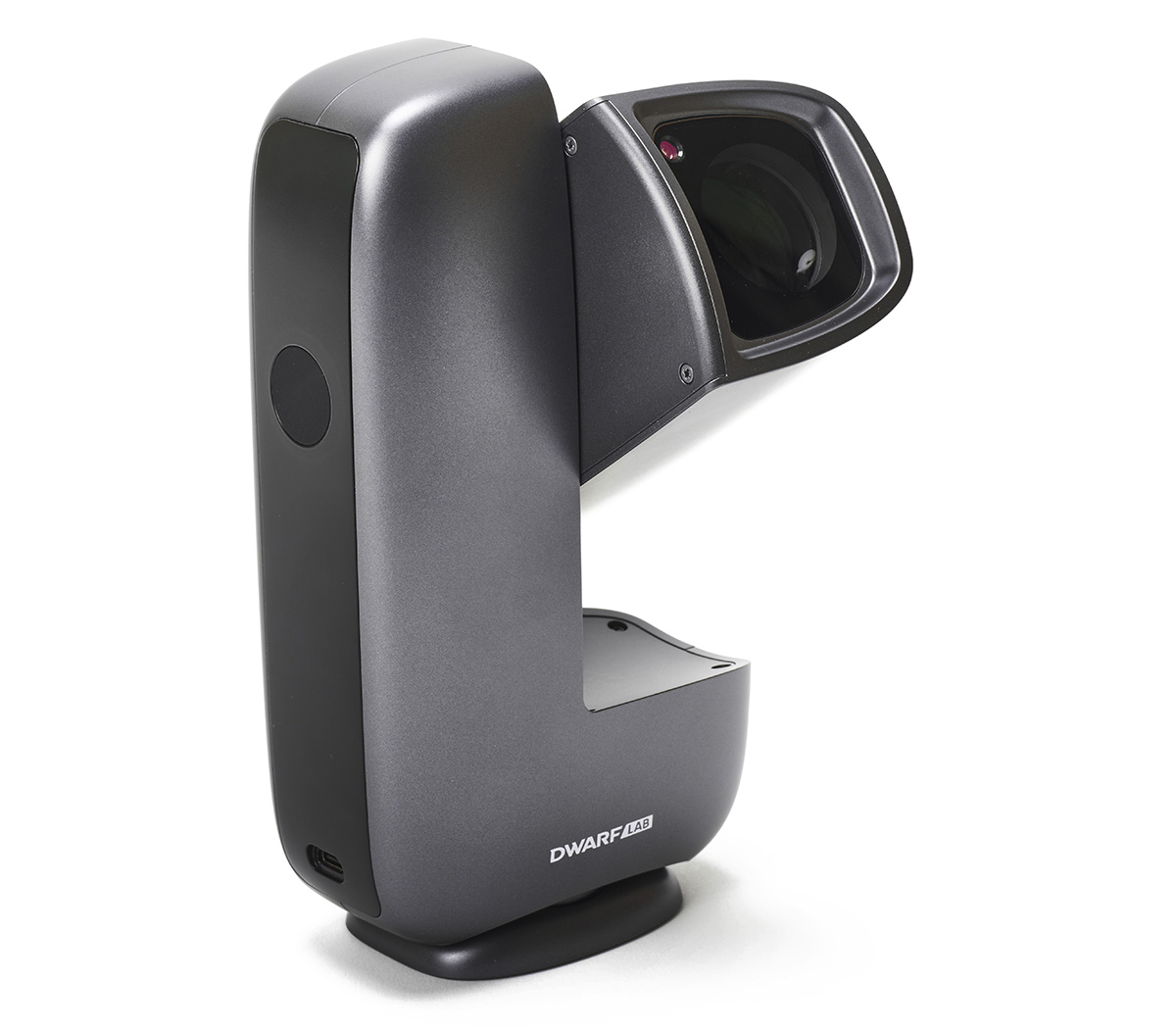
Dual-lens system
The telephoto lens pairs the Sony IMX662 sensor with a 30mm lens, giving a focal length of 150mm and a field of view of 2.45° (diagonal). The wide lens uses an OmniVision OS02K10 sensor with a lens of 3.4mm, delivering a focal length of 6.7mm and a field of view of 50.59°.
Size
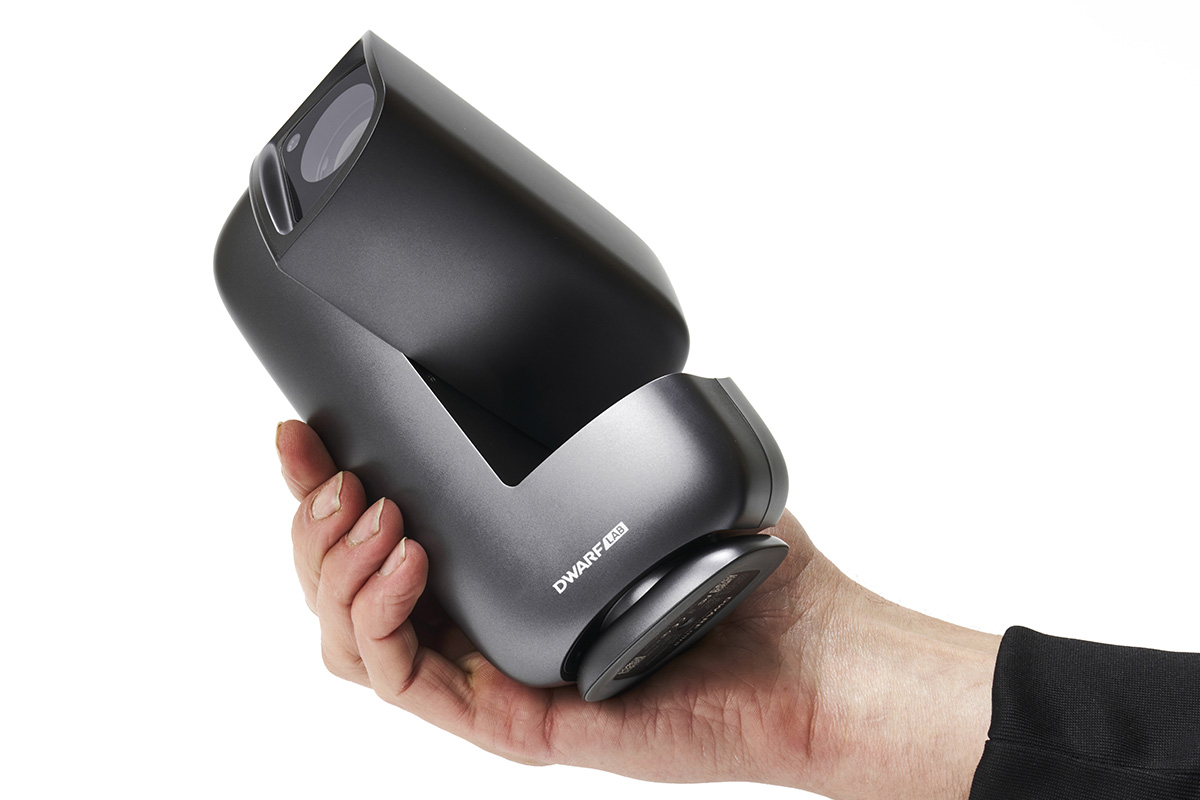
With a weight of less than a kilo and dimensions smaller than anything DwarfLab has produced before, the Mini is miniature enough to fit in your coat or fleece pocket, really living up to its name. Measuring just 10cm x 18.3cm x 6cm and 840g, its size belies its capabilities.
Mount and rotation
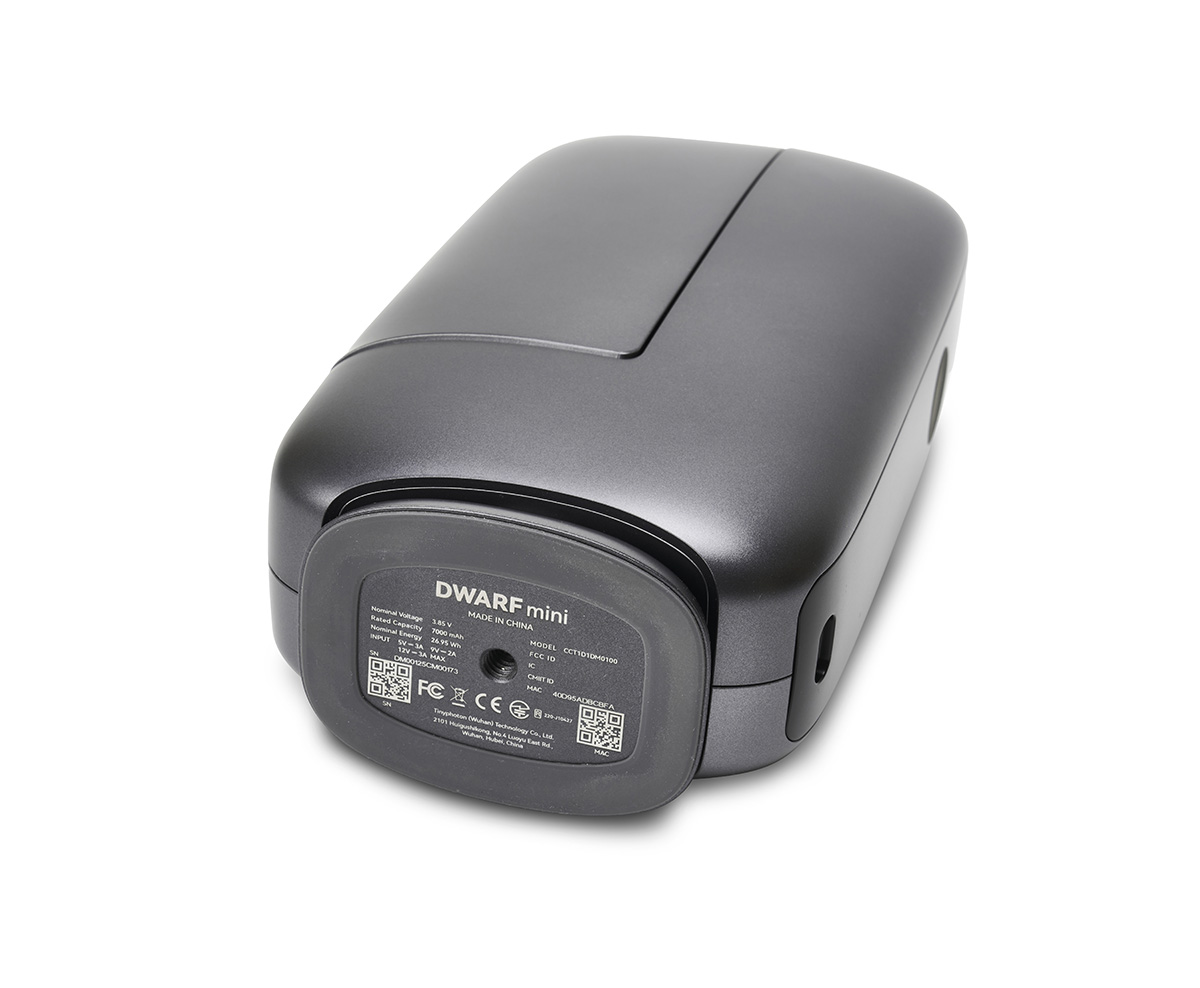
Unlike the Dwarf 3, the Mini’s base allows 360° of rotation and a 225° rotatable lens barrel gives you more freedom to reach your targets. The Dwarf Mini can be placed on any level surface or attached to a photographic tripod via a standard ¼-inch thread, if you require more height.
Power
Power is supplied by a rechargeable 7000mAh internal battery that lasts four hours. It’s recharged via a 22W USB-C charger or a USB power bank (not supplied), attached via the base port. The power indicator can be turned off and the battery level is shown by four green lights.
Key specs
- Price: £379
- Optics: Wide-angle and telephoto
- Apertures: 3.4mm (wide); 30mm (tele)
- Equivalent focal length: 45mm (wide); 1,016mm (tele)
- Sensor: OmniVision OS02K10 (wide); Sony IMX662 (tele)
- Built-in filters: Dark-frame, dual-band, astro
- Connectivity: Wi-Fi, Bluetooth, NFC, USB-C
- Control: DwarfLab app (Android and iOS)
- Accessories: Magnetic solar filter, USB-C cable, lens cleaning cloth
- Dimensions: 10cm x 18.3cm x 6cm
- Weight: 840g
- Supplier: DwarfLab
- Email: hello@dwarflab.com
- www.dwarflab.com